
Key point: To choose a one-page printable for your first digital product, start with one problem your people already have. List simple ideas like a checklist or a tracker. Pick the one that helps a lot but takes little effort to make. Keep the design clear and ask a few people to try it. Then save it as a PDF with a clear name and a short description.
You're sitting in your car after a long day, still in your work shoes, with the engine off. You open the notes app on your phone, where your product ideas have been waiting for months. There's a course, a planner and a whole workbook in there, and each one feels too big to start tonight. So you close the app again, and a tired voice inside you whispers that maybe this isn't for someone like you.
We've watched so many smart, capable people freeze at that exact moment. The blank page stares back, and the tech feels heavy. The dream of a little side income slides into next month, and then into next year.
Choosing a one-page printable for your first digital product can melt that freeze. A printable is a single sheet you design once, save as a PDF and sell again and again. It's the smallest complete product you can make, and it's a wonderful place to begin.
We're Coach Shayla and Coach Carlton. We've spent decades inside Fortune 100, Fortune 500 and Fortune Global 500 companies and small and midsize private firms. Those were often high-pressure jobs, and we quietly built our own products on the side. We know what it feels like to close a laptop at 5pm and still feel like a ghost at 7pm. We also know the relief of finishing something small that truly helps someone.
This article walks you through the whole choice, from spotting what people need to getting your file ready to sell. We've kept it simple on purpose.
You don't need a big audience, a big budget or any design background. You need one useful idea and a little structure, and we'll help you find both.
Key takeaways
- Start with one specific problem the people you serve talk about or struggle with often.
- Brainstorm simple ideas that focus on one task, like a checklist, a tracker or a quick guide.
- Choose the idea that helps people a lot and takes you little effort to make.
- Design for clarity, with a simple layout, easy-to-read fonts and lots of white space.
- Ask a few people who might use it for feedback, so you can see what to change.
- Save the finished printable as a PDF, give it a clear name and write a short description.
Why a One-Page Printable Makes a Great First Product
A one-page printable lets you start selling online sooner, with far less stress than a big product. It's a single sheet a customer can download, print and use right away. That small size is exactly what makes it such a wise first step when you're new to digital products.
The story below is an illustration, not a client case. Meet Grace Lim, a nurse in her late thirties who wants to build something after hours. The thought of recording videos or building a whole course makes her stomach tighten, because tech has never felt like her friend.
Worth sharingGrace doesn't need a big launch. She needs a first win, and a one-page printable gives her one, because she can see the finish line the whole time.
Why a Small Product Clears the Usual Roadblocks
Most first-time creators stall because the product feels too big. A course needs modules, videos and a sales page, and a membership needs new content all the time. A printable needs one clear idea and one clean page.
That difference matters more than people expect. When the product is small, the path to done is short. Grace can sketch a simple checklist for new nurses during a break on one evening shift, and she can finish it the next afternoon.
Delivery is simple, too. A customer buys the file, downloads it and prints it at home. There's no login to manage and no video to host. Grace doesn't have to become a tech expert all at once.
We've watched capable people freeze the moment a blank course outline appears. A blank page feels much easier to face when the whole product fits on it.
These are the worries a one-page printable takes off your plate:
- You won't need a long making time. You can finish a first draft in one sitting.
- You won't need a hard file setup. A simple PDF will work on almost any printer.
- You won't need to keep it updated. The product is complete when the page is done.
- You won't need a big upfront cost. You need a basic design tool and a way to sell the file.
That last point is worth sitting with for a moment. The first step gets so small that the real question stops being "Can I do this?" and becomes "What should I make?"
That shift is the quiet win. Grace stops worrying about whether she's technical enough, and she starts thinking about what would really help another nurse on a hard shift.
We'd pick a printable over a course for any beginner, every time. Courses aren't bad, but your first product should build your confidence. That confidence comes from finishing something small and watching someone else use it.
Grace's friend Tasha Reed becomes that first customer. Tasha prints the checklist, tapes it inside her locker and sends Grace a photo of it. That one moment teaches Grace more than any course ever could.
A one-page printable isn't a compromise. It's a complete product with a built-in strength, because it makes you solve one specific problem clearly. That clarity is what the next step depends on.
Starting this small is how our Digital Product School works, too. It's a self-paced school that walks you through picking a format, building one digital product and listing it for sale. You use free tools the whole way, so you don't need an audience, design skills or a budget.
Find What Your People Really Need
A printable that solves a problem people already complain about will usually sell better than one built on a guess. The best printables solve a specific problem the people you serve already talk about. We find those problems by listening, not by assuming.
Most beginners start in the wrong place. They pick a topic they like, design something pretty and hope someone buys it, but that order is backwards.
The need comes first, and the product follows it.
Let's go back to Grace for a moment. She could design a meal planning printable, because she loves to cook. But her friend Tasha often says she forgets steps when she starts a new hobby.
That comment is a clear signal. Tasha isn't asking for a product, but she's describing a gap.
Gaps like that are where good products begin.
We saw this same pattern in the companies we worked in. The best internal tools were never built from a manager's brainstorm. They were built after someone said, "This process takes me three hours every Monday," because a specific frustration points to a specific fix.
Where to Listen for Real Problems
You don't need a big audience to find needs. You only need to pay attention in the right places, and these are the places we look first.
- Listen for the same question again. When three different people ask you the same thing, that's a pattern. It might be a coworker, a family member or a friend in a Facebook group, and the question is the need.
- Watch for the daily struggles. Notice what people do slowly or avoid doing at all. Ben Okafor, a coworker at Grace's day job, might mention that he never tracks his shift swaps. That's a struggle, not only small talk.
- Notice the tools that annoy people. If someone uses a notebook, a sticky note or a messy spreadsheet, ask what bothers them about it, because that annoyance is your opening.
- Look at your own past struggles. What did you struggle with six months ago, and what did you wish existed? Your past self is often your first customer.
We don't suggest building for a loose group like "busy moms" or "teachers," because that's too broad. Build for one person with one repeated problem. Tasha forgetting hobby steps is specific, but "people who want to be organized" isn't.
Write down every complaint you hear for one week. At the end of the week, circle the one that shows up most often, and you'll have your printable idea.
You might feel a little awkward asking people about their problems, and we understand that. But you aren't running a formal survey. You're having normal conversations, and "What part of that feels hard?" is a friendly question, not an interrogation.
Here's one more hopeful thing. When people already talk about a problem, they've already looked for a solution.
That means they're ready to try something simple. You aren't convincing anyone they have a problem.
You're handing them a fix for one they already named.
So let go of the guesswork and listen for the repeated complaint. That's where your first printable belongs.
If you coach or consult, that repeated question may already live in your client files. Our Client-Work-to-Product Finder helps you pick one piece of client work you've already delivered. You give it a format and put a real date next to it, all in one afternoon.

Brainstorm Simple One-Page Printable Ideas
When you narrow a printable to one clear task, the ideas come faster than you expect. Ask what single action your person needs to take next, and then put that action on one sheet. A checklist, a tracker or a simple guide all work well, as long as you pick one task instead of a whole system.
We've watched beginners stall here because they try to solve everything at once. A page that tries to cover meals, money and workouts all at once doesn't help anybody.
It turns into noise instead. So we suggest a simpler question: what's the very next step this person is stuck on?
Grace heard Tasha talk about wanting a new hobby but feeling overwhelmed about where to start. Grace didn't design a full course. She sketched a New Hobby Checklist with the first five steps of any new project. Pick the hobby, find one beginner resource and set a small budget. Then block one hour this week and gather supplies.
That's one task, five steps and one page. A simple checklist can carry real weight, too. Eight hospitals in a World Health Organization program began using a 19-item surgery checklist. Deaths fell from 1.5% to 0.8% of patients (Haynes and others, New England Journal of Medicine, 2009).
Ben Okafor, Grace's coworker, mentioned that he kept losing track of his shift-swap requests. That sparked a different idea: a simple shift-swap tracker with columns for the date, the coworker, the manager's approval and a confirmation. Again, it has one clear task and no extra features.
Keep a running list as you brainstorm, and don't judge your ideas yet, since every one of them can go on the list for now.
Some will feel too big, and some will feel too small, but you can sort them out later.
For now, the goal is lots of ideas, each one specific.
- Checklists: steps to finish one task, like a morning reset or a first-day plan.
- Trackers: a simple grid to log one habit, one symptom or one repeated task.
- Simple guides: a quick reference sheet for one process, like how to read a pay stub or repot a plant.
We've seen this work for all kinds of people. A teacher might make a substitute feedback form, and an office worker might make a meeting prep checklist.
A parent might make a weeknight dinner rotation. What they share is restraint.
Each one has one problem, one page and one clear next action.
That restraint is what makes the idea work later. A printable with one job is easier to design, easier to explain and easier for someone to use. The moment you add a second job, you double the choices your customer has to make, and a confused customer doesn't print anything.
If you're not sure which shape fits your idea, that's the job of our Pick-Your-Format Guide. In one afternoon, you list what you already know. Then you match each row to a format that fits your free hours, pick one and put a date on it.
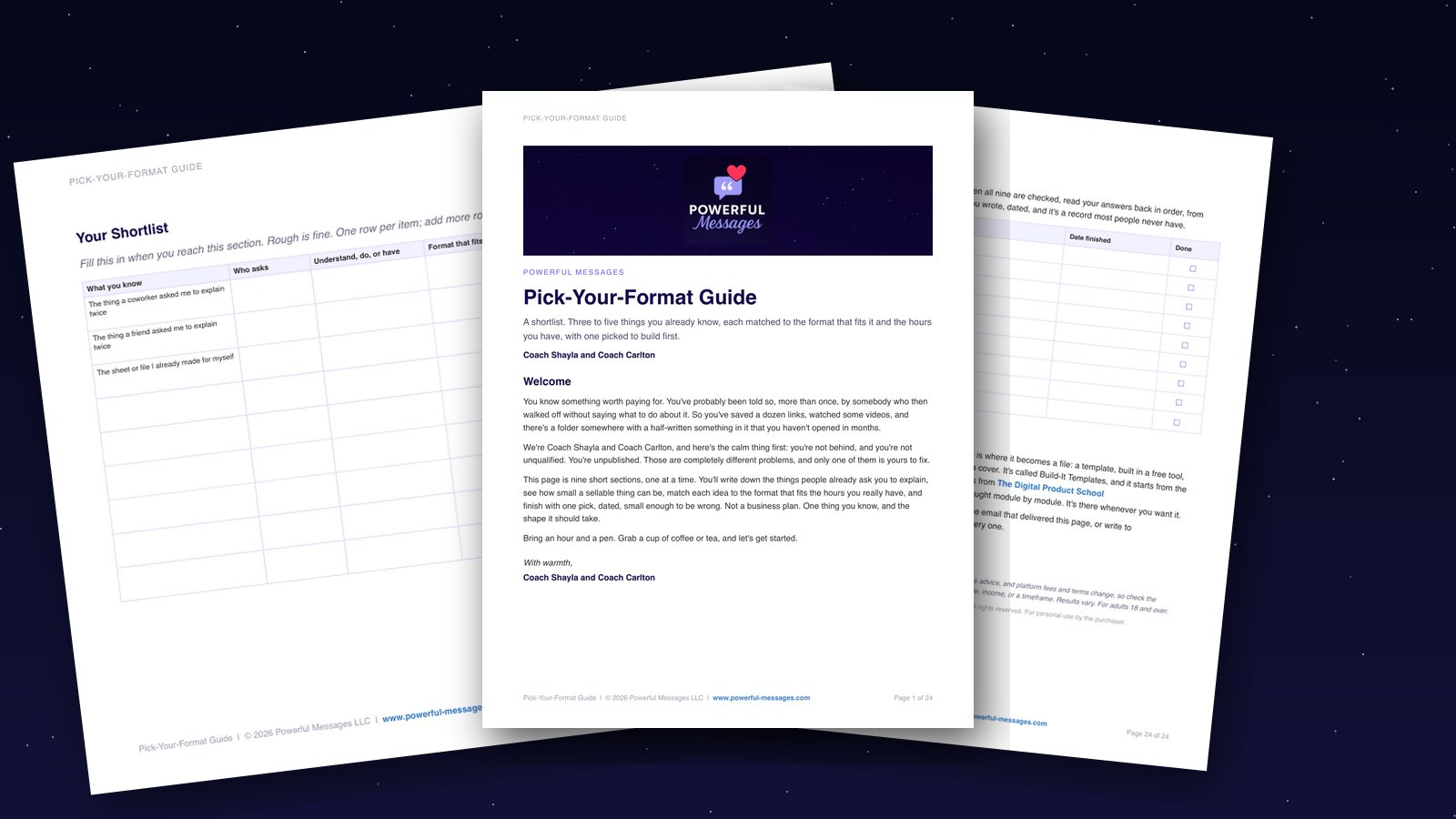
Pick-Your-Format Guide
Choose a simple shape for your idea, so you can start making it.
Get the Pick-Your-Format GuideCheck Your Idea for Help and Ease
The best printable idea gives the user clear value and takes you little effort to make. We check every idea against two simple questions. Does it solve a real problem for someone? Can we make it without using up a week of evenings?
Help and ease work together. A printable that helps nobody is wasted effort, no matter how easy it feels to build. A printable that could change someone's life but takes forty hours to design isn't a first product. It's a second or third product, once you've built some momentum.
We like to picture each idea on a simple grid. One side shows how much it helps the user, and the other shows how much effort it takes you.
The sweet spot sits in the corner where help is high and effort is low, and that's where first products live.
Test Your Idea With One Honest Question
Ask yourself: Can I explain what this printable does in one sentence? If the answer rambles, the idea is probably too big. A clear idea sounds like this: "It helps a busy person plan a week of dinners." A muddy idea sounds like this: "It helps people think about food, time, budget and health all at once."
Grace faced this exact fork in the road. She thought about a Meal Prep Planner that would cover recipes, portions, shopping and a cooking schedule. But that's a workbook, not a one-page printable, and it would take days to design and even longer to explain.
So she switched to a Weekly Grocery List Template. It's one page with clear sections.
A person fills it out in five minutes before shopping. It helps a little less, but the effort is realistic for her.
That trade is what makes a first product possible.
If you can't describe the printable in one plain sentence, shrink the idea until you can.
We also check whether people can act on it. A good printable gives the user a place to write, check or decide something, while a printable that only inspires is a poster.
Posters are lovely, but they aren't products people download and use twice.
Be honest about how long it'll take to make. A simple list or tracker might take one evening, while a planner with many sections, icons and instructions might take a full weekend. For a first product, we'd pick the one-evening option every time.
We check each idea in this order:
- Can I state the problem in one sentence?
- Does the printable give the user one clear action to take?
- Can I design it in under three hours?
- Would someone use it more than once?
Four checks for your printable idea
- Can I state the problem in one sentence?
- Does the printable give the user one clear action to take?
- Can I design it in under three hours?
- Would someone use it more than once?
If an idea passes all four, it's ready. If it misses one, we shrink the idea instead of giving up on it. Grace didn't give up on meal planning. Instead, she narrowed it to the one step that mattered most, the grocery list.
Worth sharingThat narrowing isn't a compromise. It's the difference between an idea that sits in a notebook and one that finally ships.
Design Simple, Clear Layouts
A clean page wins over a crowded one almost every time. A simple, uncluttered design makes your printable easier to use and more valuable. The person who downloads it should know right away where to look first, what to write and what to do next.
We've watched smart people make this step harder than it needs to be. They add borders, clip art, three font styles and a color for every mood. The page ends up looking busy and feeling hard to use.
That's decoration more than design, and it gets in the way.
Think about Ben, Grace's coworker. He struggles with crowded forms, and small print, tight boxes and too many sections make him put the page down.
Grace keeps that in mind as she builds her printable. She uses large fonts and clear sections, so Ben can scan the page without squinting.

White space isn't wasted space, because it gives the eye a place to rest. A printable with breathing room feels calmer before anyone writes a single word. We'd rather leave a section blank than cram two ideas into one corner.
Stick to one easy-to-read font. Use bold for labels and regular weight for the lines people fill in. A thin line under a blank space shows people where to write, while a box around the whole page only adds clutter.
Free tools handle this well. Google Docs and Canva both offer clean templates with good spacing already built in, so start there.
Move a title, widen a column or delete a shape. You don't need advanced design skills to make something that looks professional.
We follow this order when we lay out a printable:
- Put the title at the top in a large, bold font.
- Add one short instruction line under the title.
- Group related fields into two or three sections.
- Leave at least a half inch of empty space between sections.
- Use lines or light gray boxes for areas people write in.
- Delete anything that doesn't help someone finish the task.
Clutter quietly uses up people's attention. Every extra piece asks the user to decide whether it matters. A clean layout removes those small choices, so the printable can do its one job.
We saw the same thing in the dashboards Coach Shayla built for executives. The best ones didn't show more data. They showed the right data with enough space to read it, and a printable works the same way.
When Grace shows her layout to Ben, he doesn't comment on the design. He simply starts using it, and that quiet reaction is the real test. A layout that disappears into the task is a layout that works.
Get Feedback From Your First Customers
A printable that makes sense to you may still confuse the person who downloads it. Early feedback closes that gap. Ask a few people to use your printable and tell you where they get stuck, and a few really is enough. Nielsen Norman Group found that a first test with five users finds about 85% of usability problems (Nielsen Norman Group, 2000). Their answers show you what to fix before you sell.
Grace learned this the hard way. She designed her Weekly Grocery List Template with clear sections and a font she loved. Then she handed it to Tasha Reed and Linda Morris.
The two women shop in different ways, and both found problems Grace never noticed.
Tasha wanted a column for store departments, and Linda needed space for brand names. Neither one was talking about the design.
Both were talking about how useful it was, and that matters more than any layout rule we covered earlier.
We've watched smart people skip this step. They polish a printable alone and then wonder why buyers pass it by. The answer is usually simple: they never asked anyone to use it.
Don't ask "Do you like it?" because that question invites politeness. Ask "What would you change?" because that question invites the truth.
Good feedback questions are specific. Does the layout make sense at a glance, and is anything missing?
Would you print this or use it on a phone? Grace asked all three questions.
The answers took her five minutes to collect and an hour to put to work.
Friends and family are fine for a first round, but the best testers are people who match your future buyer. Tasha is a busy mom.
Linda is a retired teacher, and both of them fit the people Grace wants to serve.
Make small changes, not a full redesign. Grace added a department column and a brand-name line, and she kept everything else. That restraint kept her moving toward getting the printable ready to sell.
Worth sharingFeedback isn't a vote. It's a mirror, so use it to see what you missed and then decide what truly makes the product better.
Get Your Printable Ready to Sell
A printable is ready to sell when a stranger can open it, understand it and use it without you there to explain. That means three small jobs. Save it as a PDF and give the file a clear name. Then write a short description that tells buyers what it does for them.
We've watched capable people stall at this exact step. The design is done, and the feedback is in.
The product works well, too. But the file sits on a desktop named final_version_2_REAL, and the listing never goes up.
That isn't a tech problem. It's a packaging problem, and it's easier to fix than it feels.
Packaging is the last stretch, where a helpful sheet becomes a product someone can receive. It takes less time than most people spend worrying about it.
We use this order, step by step.
- Save it as a PDF file. Export your printable as a PDF, not a Word doc or a Canva link. A PDF locks your fonts, spacing and layout, so the file looks the same on every device. Most design tools have a simple Download or Share button that does this for you.
- Name the file for the buyer. Use a clear name like Weekly-Grocery-List-Template.pdf, and skip version numbers and notes to yourself. The file name is the first thing a customer sees after they buy, so it should tell them exactly what they bought.
- Add one line of instructions. Put one sentence at the bottom of the printable or in the description. It might say Print on letter-size paper and fill in one row per shopping trip. That one line is plenty.
- Write a short, clear description. Use two or three sentences that name the problem and the result. For example: This one-page grocery list helps you plan a week of meals without rewriting the same staples every time. Skip the hype and share the benefit.
Grace does this with her Weekly Grocery List Template. She saves it as a PDF and names the file so Tasha can find it in a downloads folder. Her description says what the sheet replaces: a scattered notepad and a Sunday morning guessing game.
That description matters more than most beginners think. It isn't fancy marketing copy. It's a small guide that tells the buyer what to expect. When the file arrives, they already know what they're getting and why it's worth printing.
We also suggest testing the download once, on a phone if you can. Open the PDF and check that nothing shifted.

It's the same instinct as trying on an outfit before you leave the house. It takes one minute, and it catches the small mistakes that would embarrass you later.
Here's one thing we'd skip: a logo, a watermark or a page of terms and conditions. None of that helps the customer use the sheet, and it adds noise to a product that earned its value through clarity.
Now the file is ready. A clean PDF with a clear name and an honest description is a product, not a project. That's what lets you finally list it and move on.
If you get stuck at this last step, book a Discovery call with us. In 30 minutes, with both of us on the call, we'll look at where your first product is stuck and what to do next. It starts with a small deposit that is credited toward your next call or the 5-Day Challenge.
One Page, One Problem, One Finished File
The right one-page printable is one the people you serve can use today and one you can finish this week. We've walked the whole path together, from spotting a real need to getting your file ready to sell. The same thread runs through every step: keep it useful, keep it clear and keep it small enough to finish.
These are the steps we covered, in the order that matters:
- Start with a need, not an idea. Ask what the people you serve already want help with, because a printable that answers a real question is much easier to sell.
- Pick one simple format to use. Choose a checklist, a tracker or a reference sheet, with one page, one job and no clutter.
- Test it for help and ease. If it helps someone quickly and you can build it without stress, it's a strong first product.
- Make the design clear. Use short labels, clear sections and plenty of white space. If a tired nurse or teacher can read it after a long shift, you've done it right.
- Get feedback early. Show a draft to one or two people you trust, and their questions will show you what to fix before you sell.
Picture yourself back in that car after a long day, still in your work shoes. This time, you open your phone and see a note from someone who printed your page and used it. It's small, and it's real, and it's yours.
Your next step is small and clear. Open a blank document and write the title of your printable at the top. Then list the five to seven items that belong on the page, and you'll have a first draft in less than twenty minutes.
If you'd like help choosing the format that fits your idea, try our Pick-Your-Format Guide. It walks you through the choice at your own pace, so you don't have to guess.
We built our first products the same way you're building yours, with one page, one problem and one finished file. You already have what it takes to begin.
Where to start this week
Start with the Pick-Your-Format Guide and choose the one small thing you'll make. If you coach or consult, the Client-Work-to-Product Finder helps you pick it from work you've already done. When you're ready to build it and list it for sale, join The Digital Product School and work through it at your own pace. And if you'd rather talk it through first, book a Discovery call with Coach Shayla and Coach Carlton. It's 30 minutes with both of us. It starts with a small deposit that is credited toward your next call or the 5-Day Challenge.
 Grace LimA nurse building something after hoursMeet Grace →
Frequently asked questions
What makes a one-page printable a good first digital product?
A one-page printable is a great place to start, because it's simple to make and simple to deliver. You don't need complex tech skills. It lets you test an idea quickly and see what people need before you build anything bigger. It also teaches you the basics of selling online without feeling overwhelmed.
How can I find out what people need from a printable?
Listen to the questions people ask you every day. Notice the common frustrations and the tasks they wish were easier, and look at what they already use. Your own experience with a problem you solved can guide you, too. Then think about what simple tool would make their days a little smoother.
Should my printable solve a big problem or a small one?
For your first digital product, focus on a small, specific problem. A one-page printable works best for a quick win or a single step in a bigger process. Trying to solve a huge problem on one page can confuse your reader, so aim for clear value they can use right away.
What tools do I need to make a one-page printable?
You probably already have what you need. Simple tools like Google Docs, Google Slides or Canva work well, and so do Microsoft Word and PowerPoint. What matters is making it easy to read and use. Focus on clear content instead of fancy design software, and use one of the many free templates to start.
Is there a simple way to choose my first product format?
Yes, there's a simple one. The Pick-Your-Format Guide walks you through nine short sections, with one thing to write in each, in about two hours. It comes as a Notion page you copy, plus a printable PDF.
Where can I learn to build and list my first digital product?
The Digital Product School is our self-paced school for people who know something worth paying for and have never sold anything online. It uses free tools the whole way, so you don't need a website or paid software.
Can someone help me pick my first printable idea?
Yes, we'd love to help. Book a Discovery call and talk it through with both of us. It starts with a small deposit that is credited toward your next call or the 5-Day Challenge.
Sources
- Haynes, A. B. and others, A Surgical Safety Checklist to Reduce Morbidity and Mortality in a Global Population, New England Journal of Medicine, 2009
- Jakob Nielsen, Why You Only Need to Test with 5 Users, Nielsen Norman Group, March 18, 2000
Recommended for you
Pick-Your-Format Guide
helps you choose a simple shape for your idea, so you can start making it.
Get the Pick-Your-Format Guide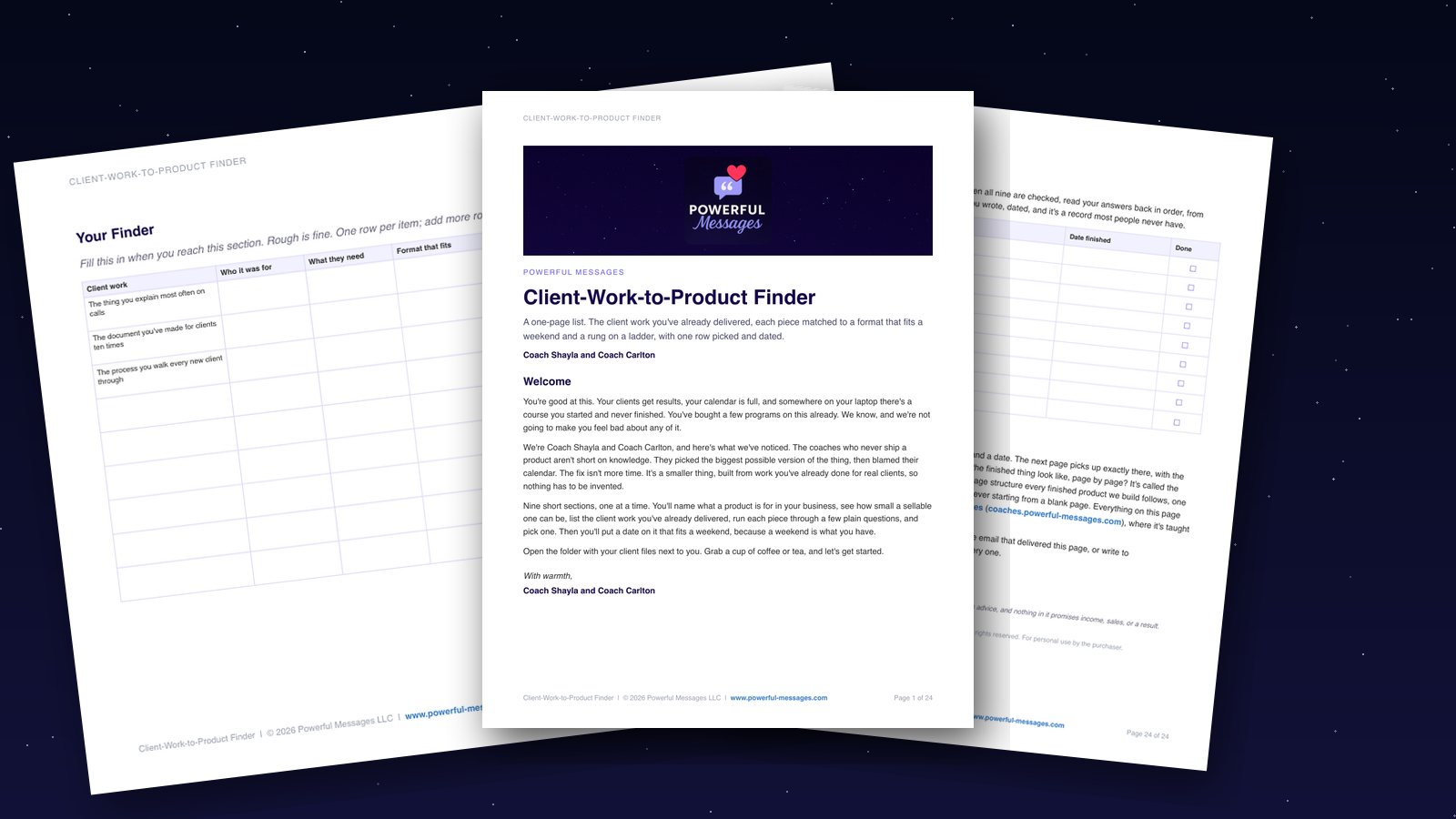
Client-Work-to-Product Finder
helps you turn an answer you give clients into a product you can sell.
Get the Client-Work-to-Product FinderThe Digital Product School
Build and sell your first product
Explore the school